Now available in the Ring App Store
Home How Remy Works
Features
Privacy Blog FAQ Add Remy to Ring

From camera footage to the moments that matter.

Add Remy to Ring

7-day free trial · Then $49/mo/camera

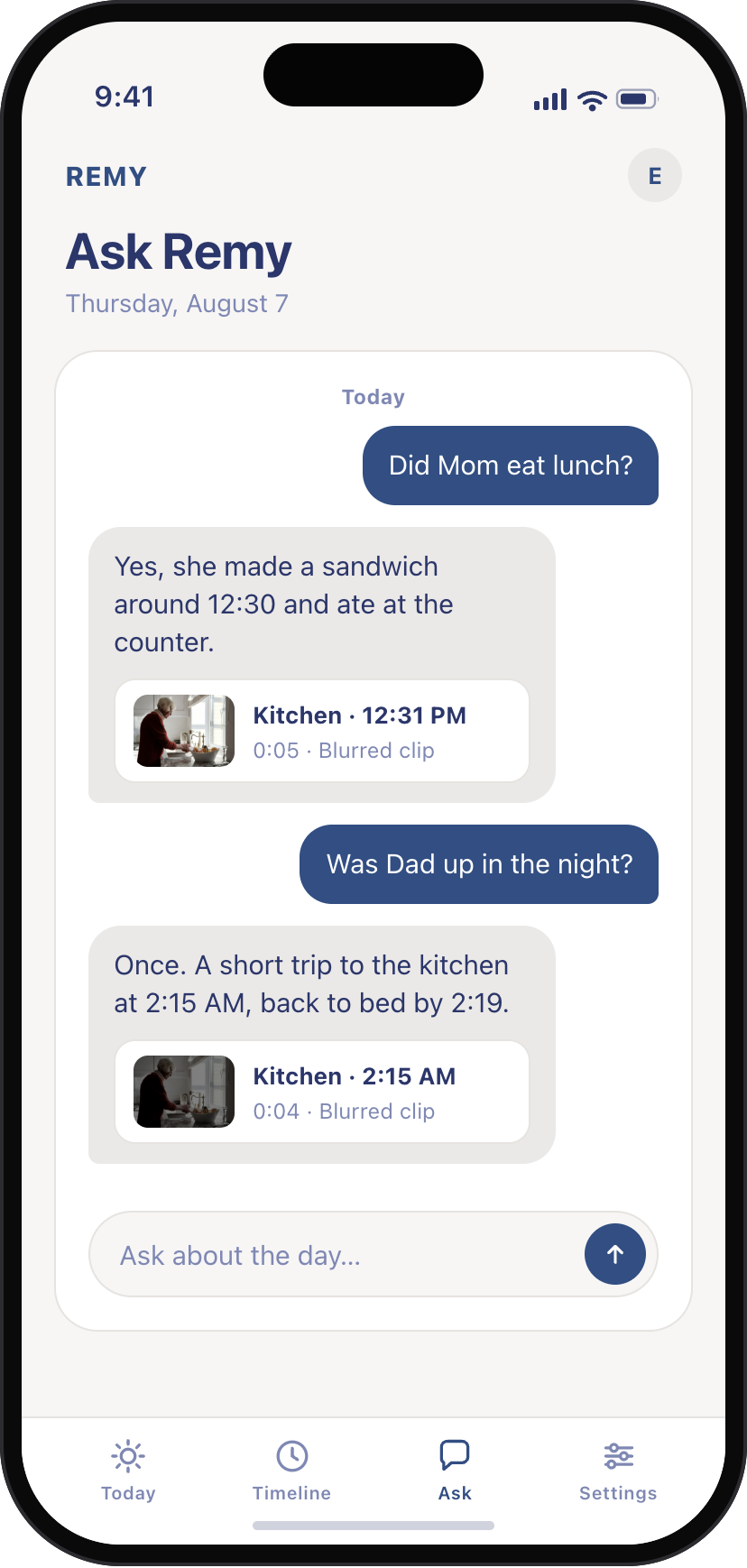
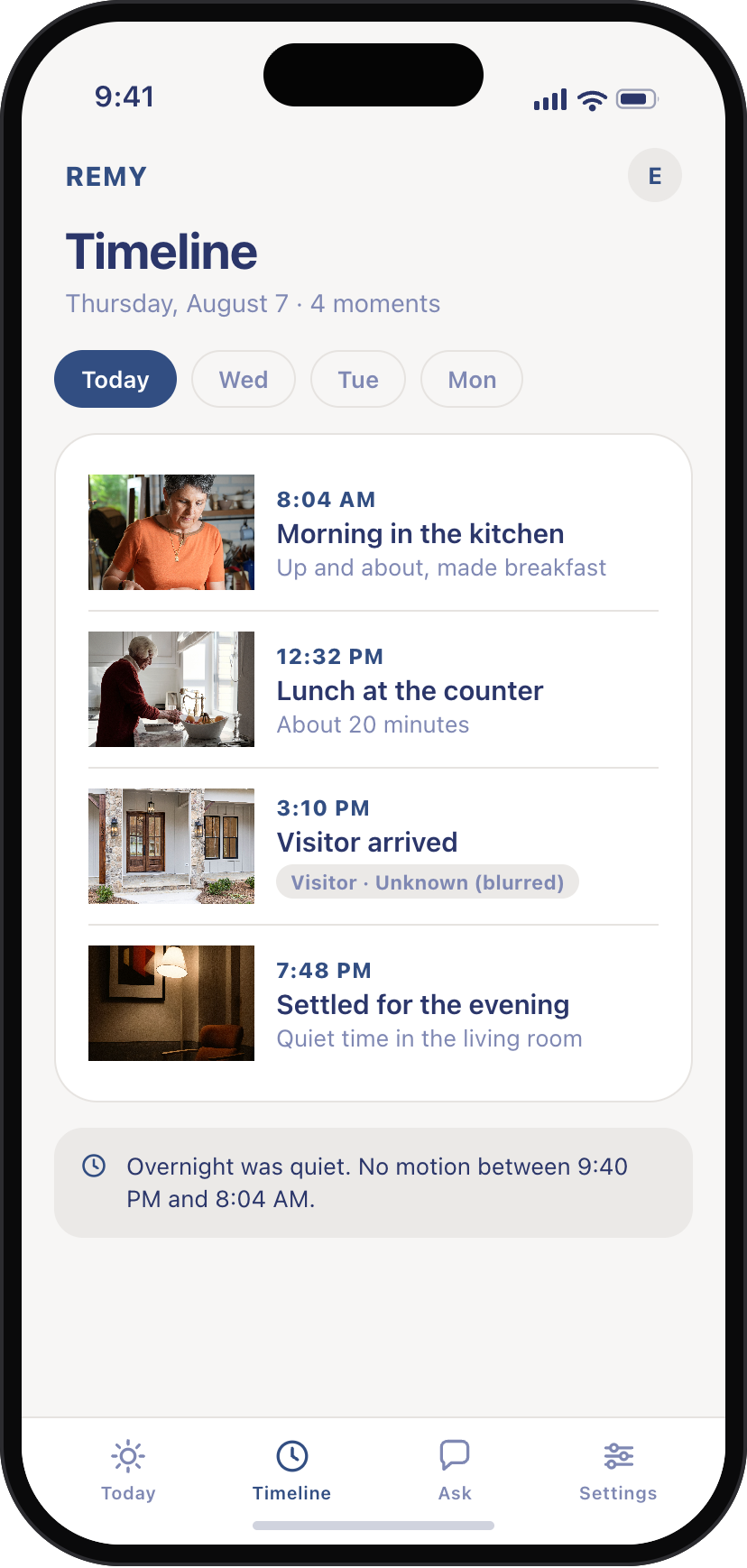
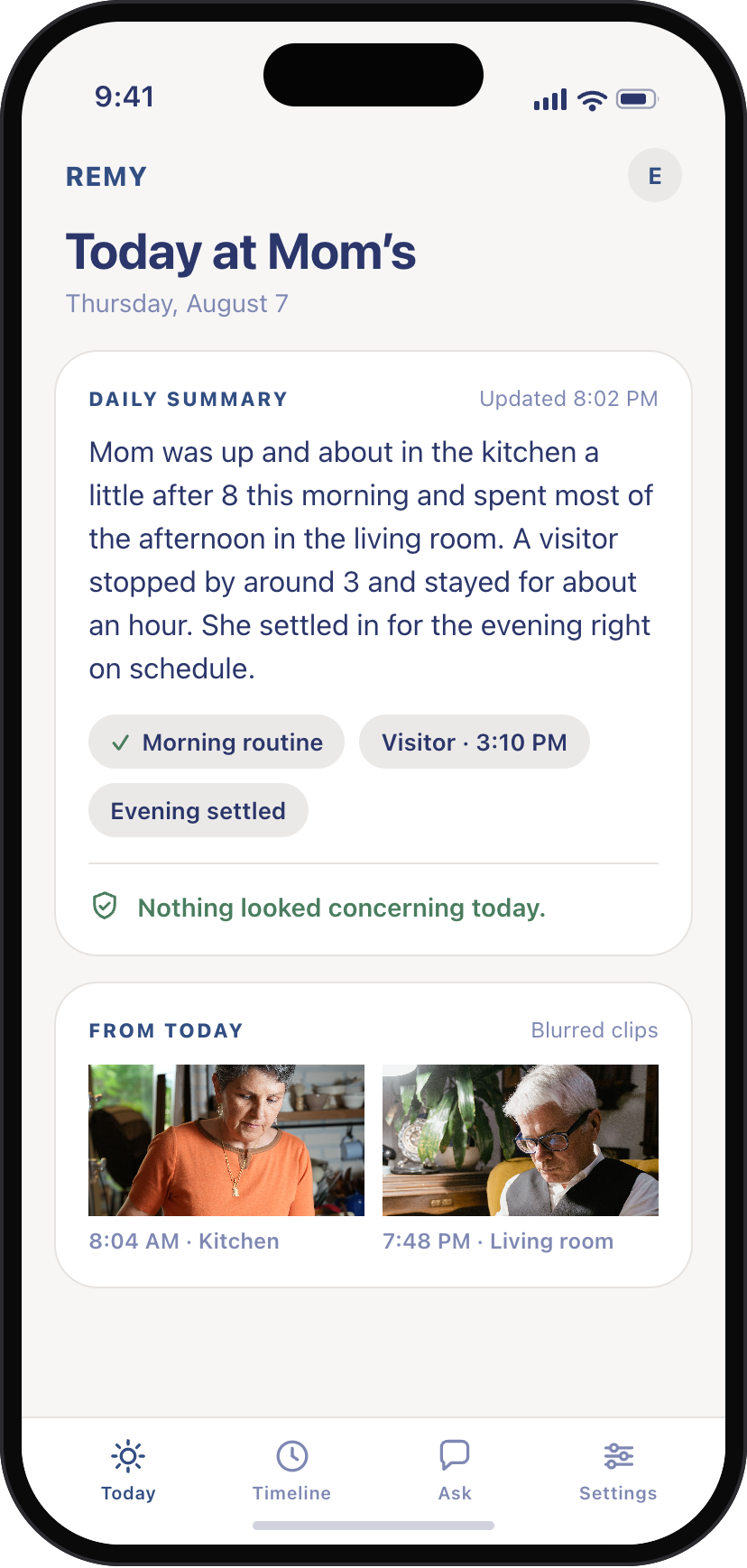
Remy app Ask screen: Did Mom eat lunch? Yes, with the blurred kitchen clip that shows it Remy app Timeline screen with privacy-blurred, name-tagged clips
A woman holding a coffee mug while asking a question on her phone Ask Remy“Did Mom eat lunch?”
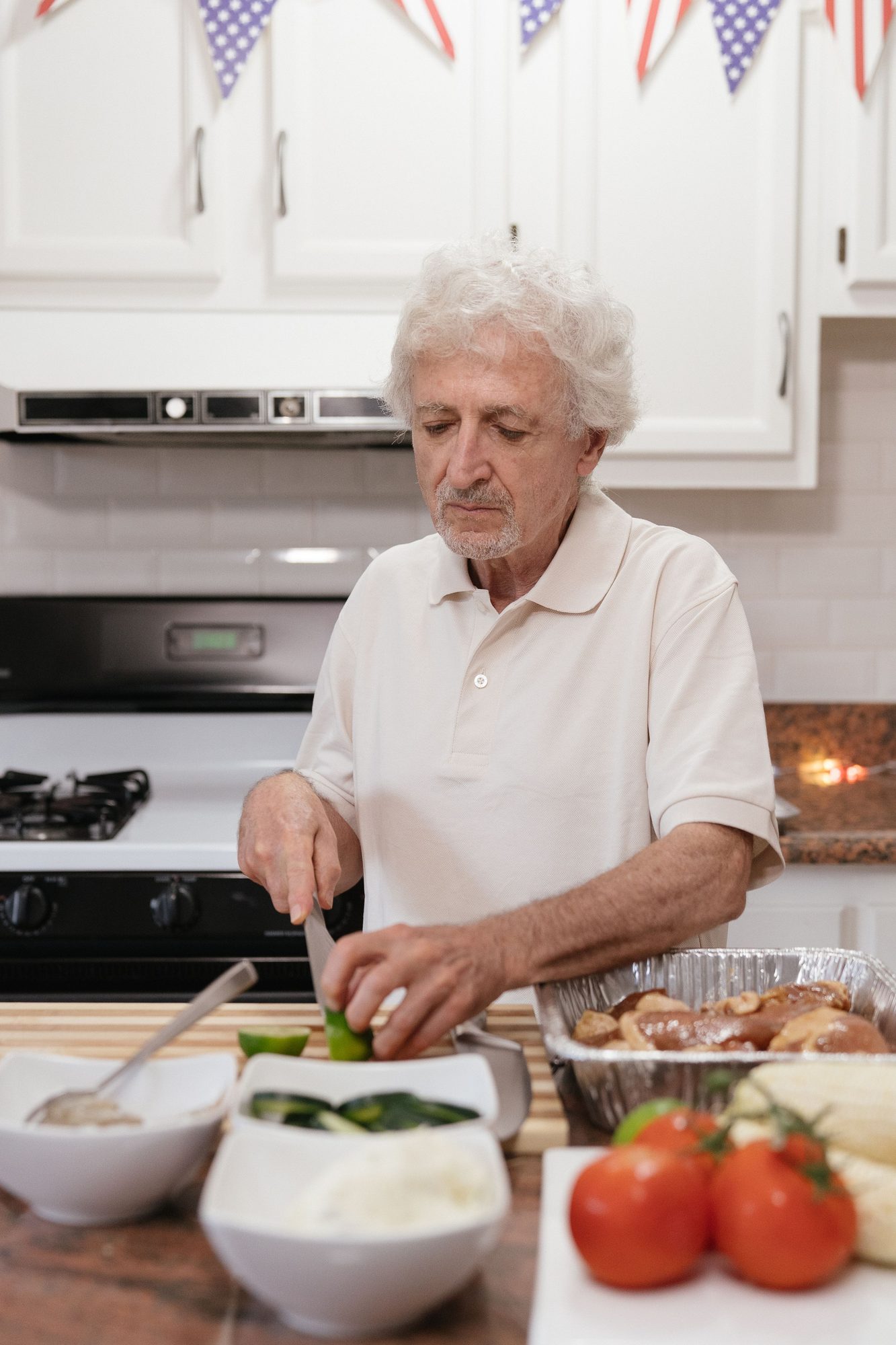
An older man preparing food at his kitchen counter beside the stove AnsweredYes, kitchen at 12:31, with the clip
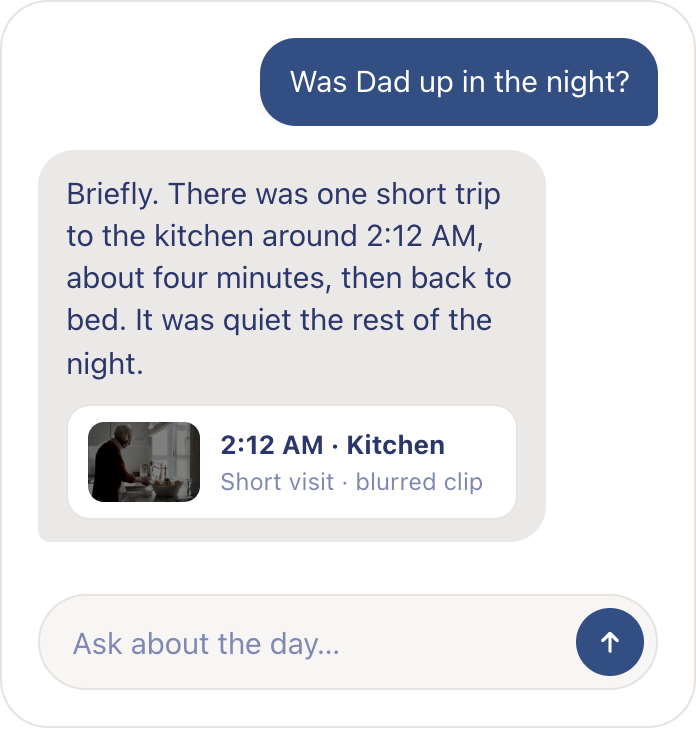
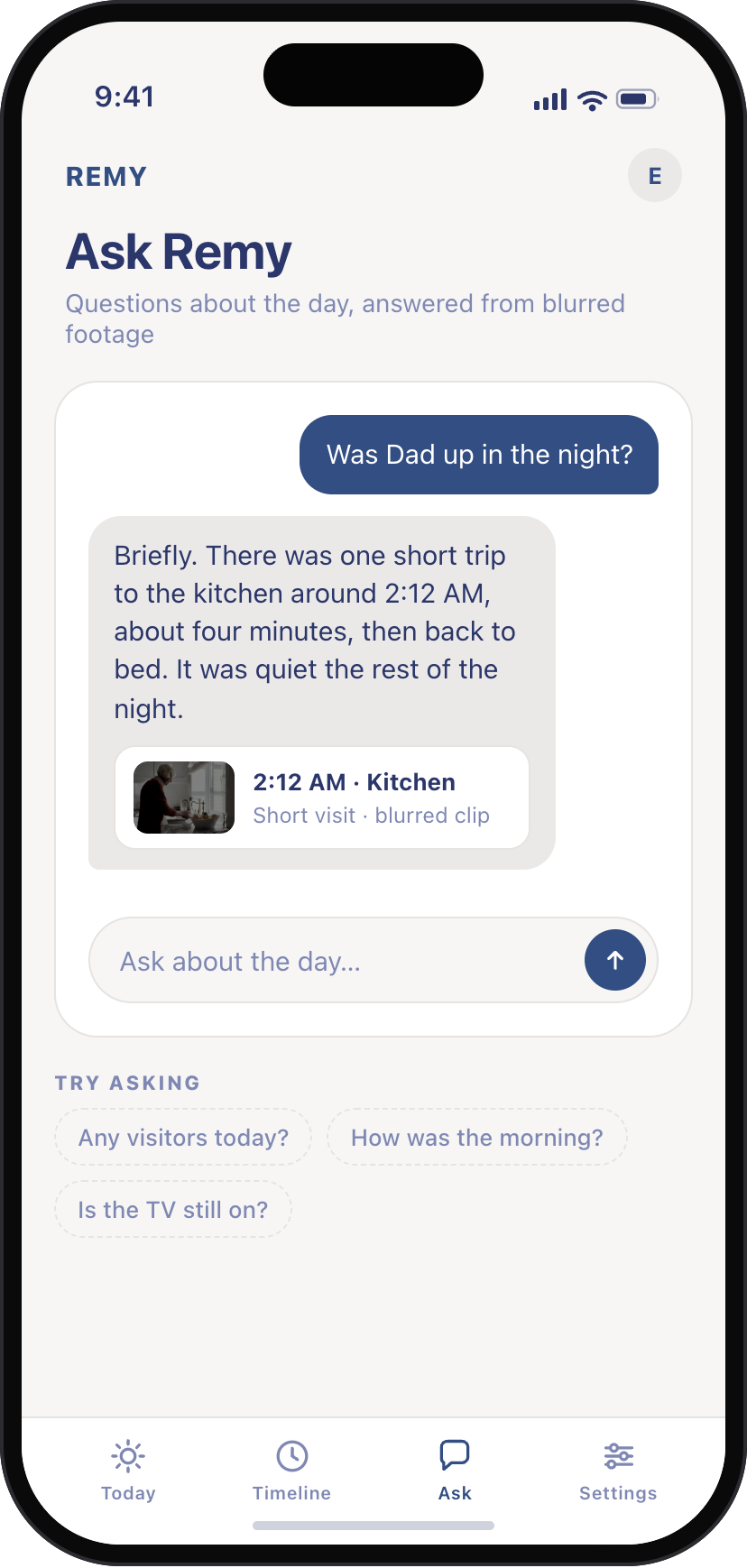
An Ask Remy card answering whether Dad was up in the night, with the overnight clip attached Ask Remy“Was Dad up in the night?”
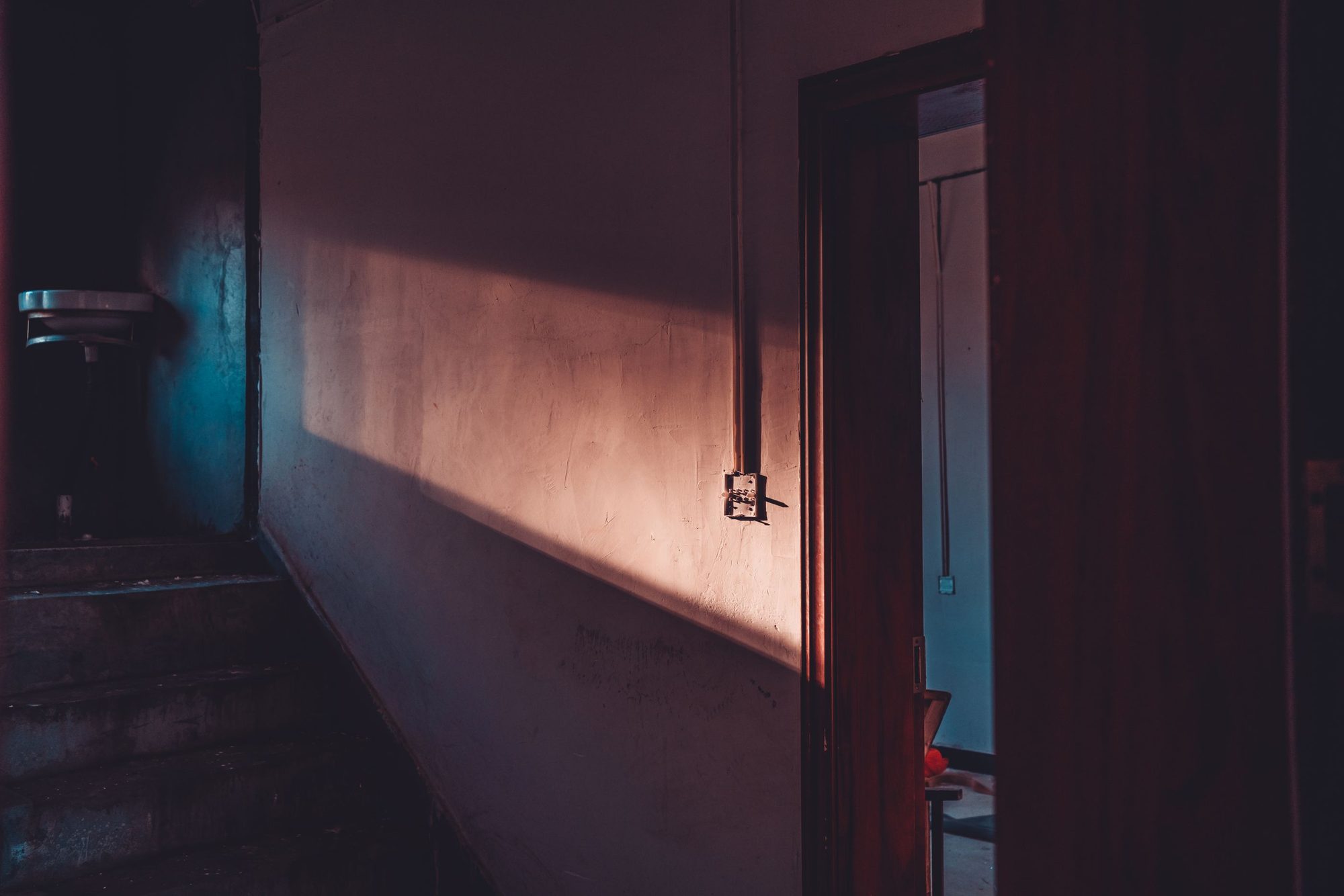
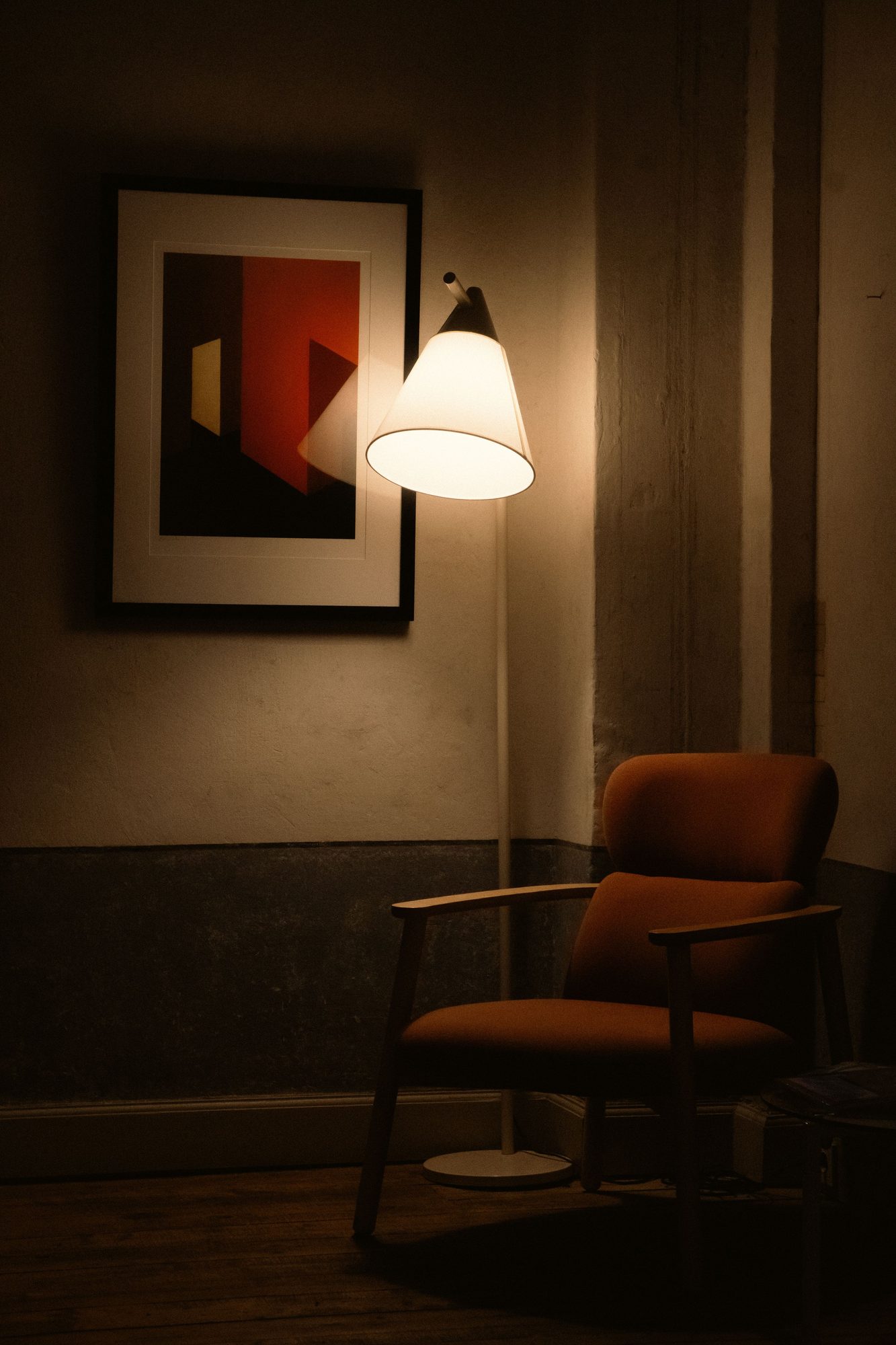
A dim hallway at night with soft warm light across the wall AnsweredOne trip at 2:15 AM, back to bed by 2:19

A grandmother and granddaughter laughing together while cooking in the kitchen Ask Remy“Did anyone visit today?”
The front porch of a house on a bright afternoon, where a visitor would arrive AnsweredA visitor at 3:10 PM, stayed about an hour
A cosy living room with a cushioned sofa and plants beside a sunlit window Ask Remy“Is she moving around like usual?”
An older woman in a red dress watering a potted plant at home AnsweredUsual routine at home this afternoon
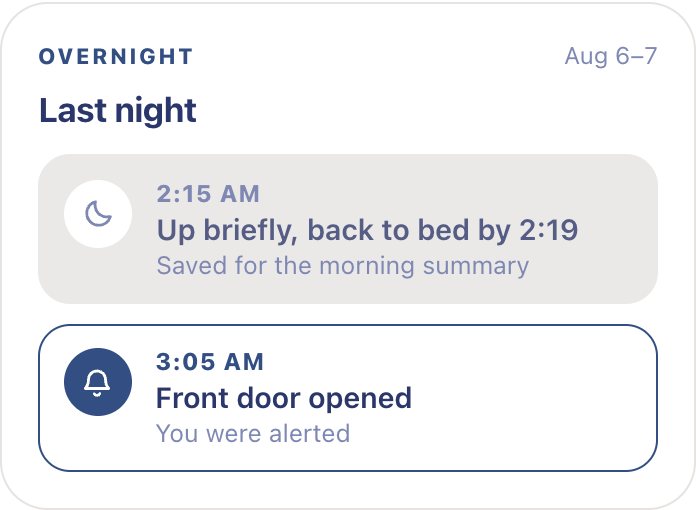
Remy overnight card: a 2:15 AM hallway trip saved for the morning summary, a 3:05 AM front door opening alerted immediately Ask Remy“Anything flagged this week?”

From what the camera sees to what you need to know.
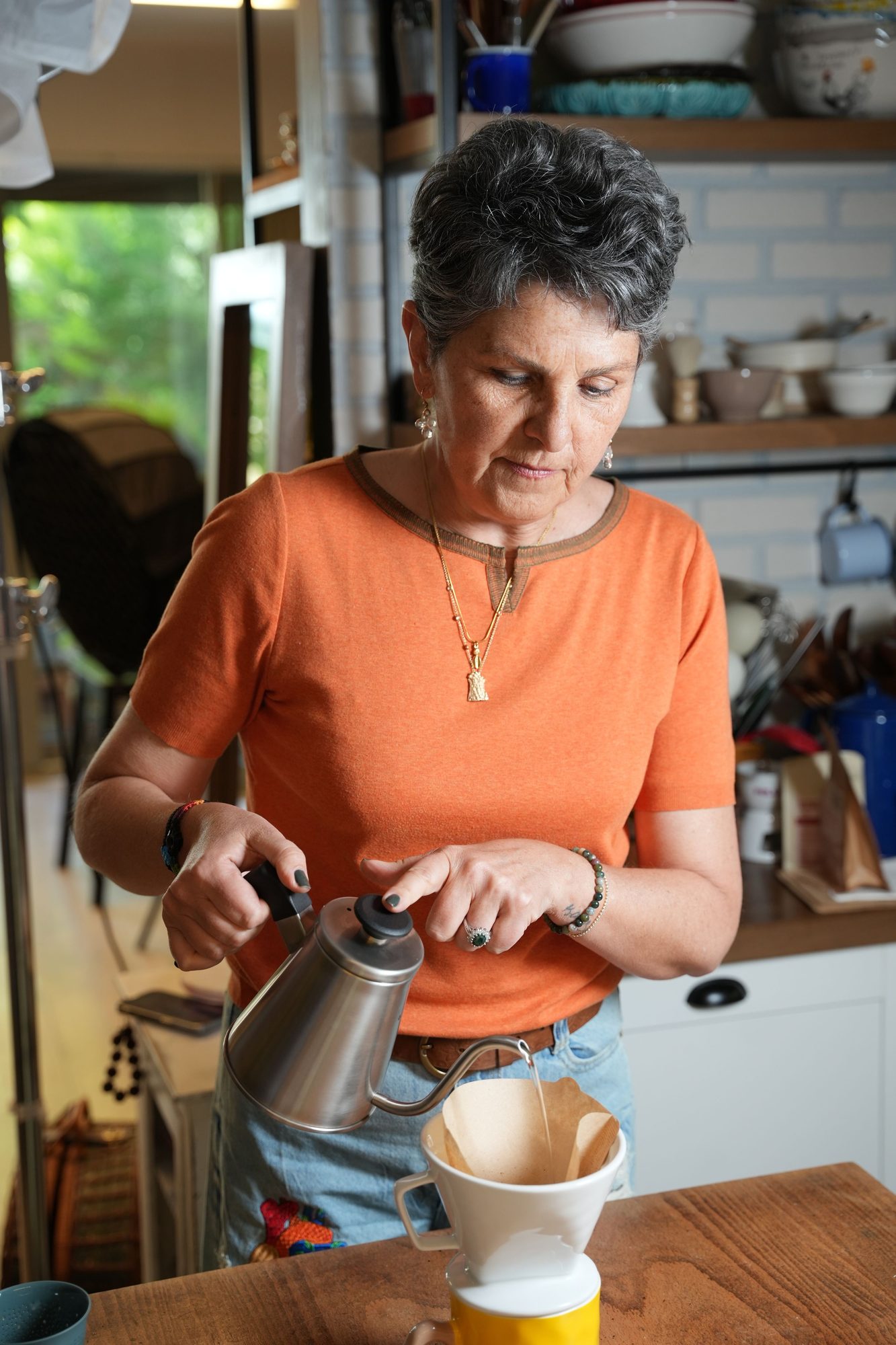
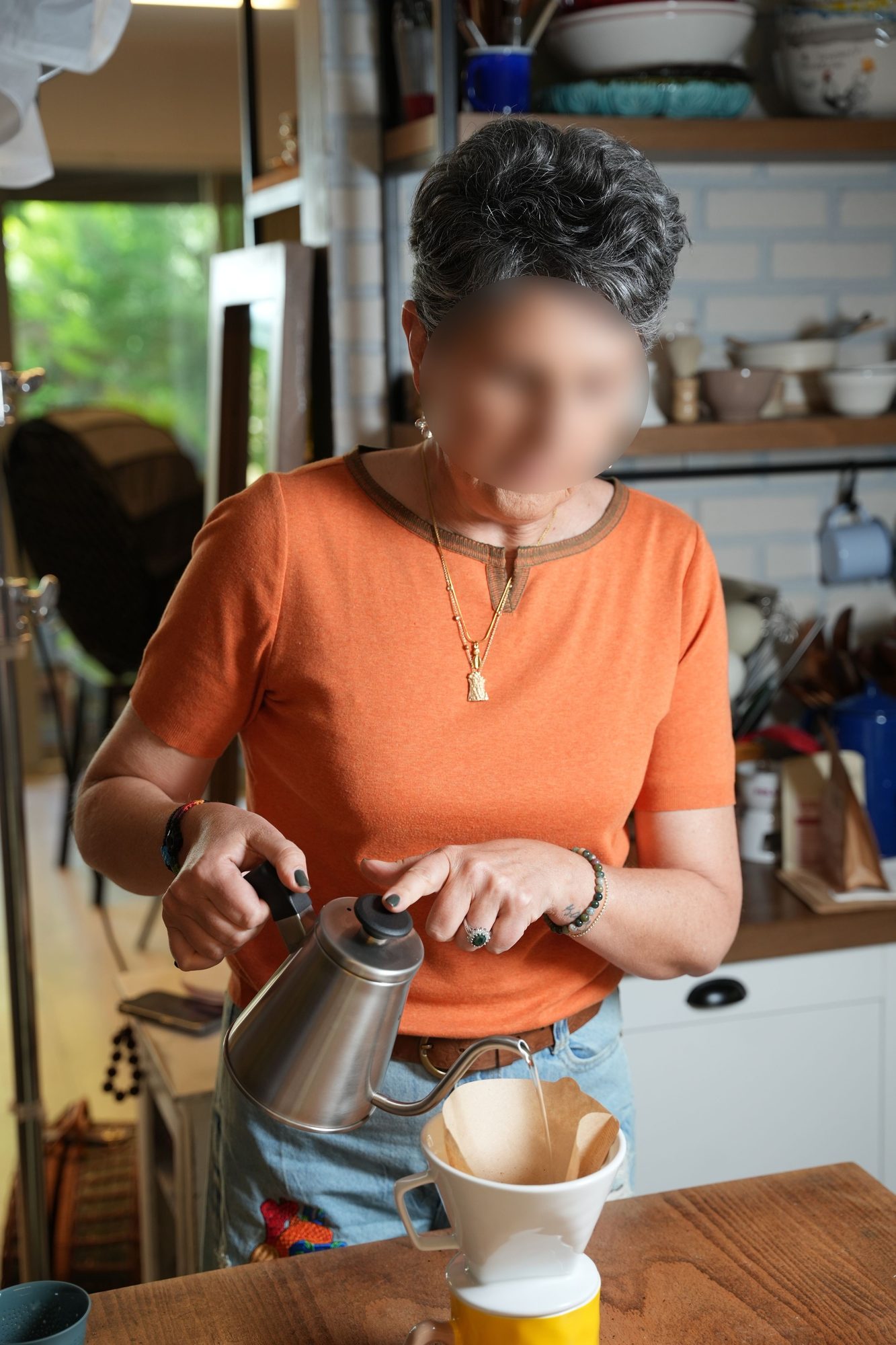
An ordinary camera view of Mom in her kitchen in the morning
What the camera sees
The same view with Remy's reading of it layered over
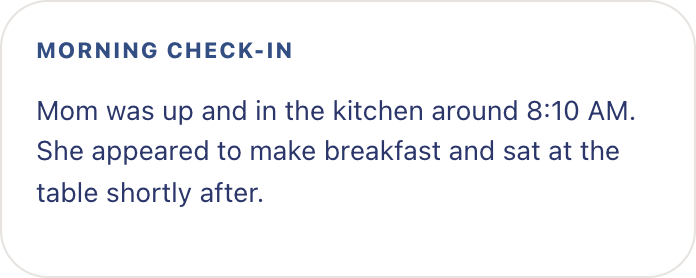
8:12 AM Entered kitchen 8:18 AM Preparing breakfast 8:31 AM Seated at table
What Remy understands
Remy's morning check-in card
What you get

What Remy does with what it sees.
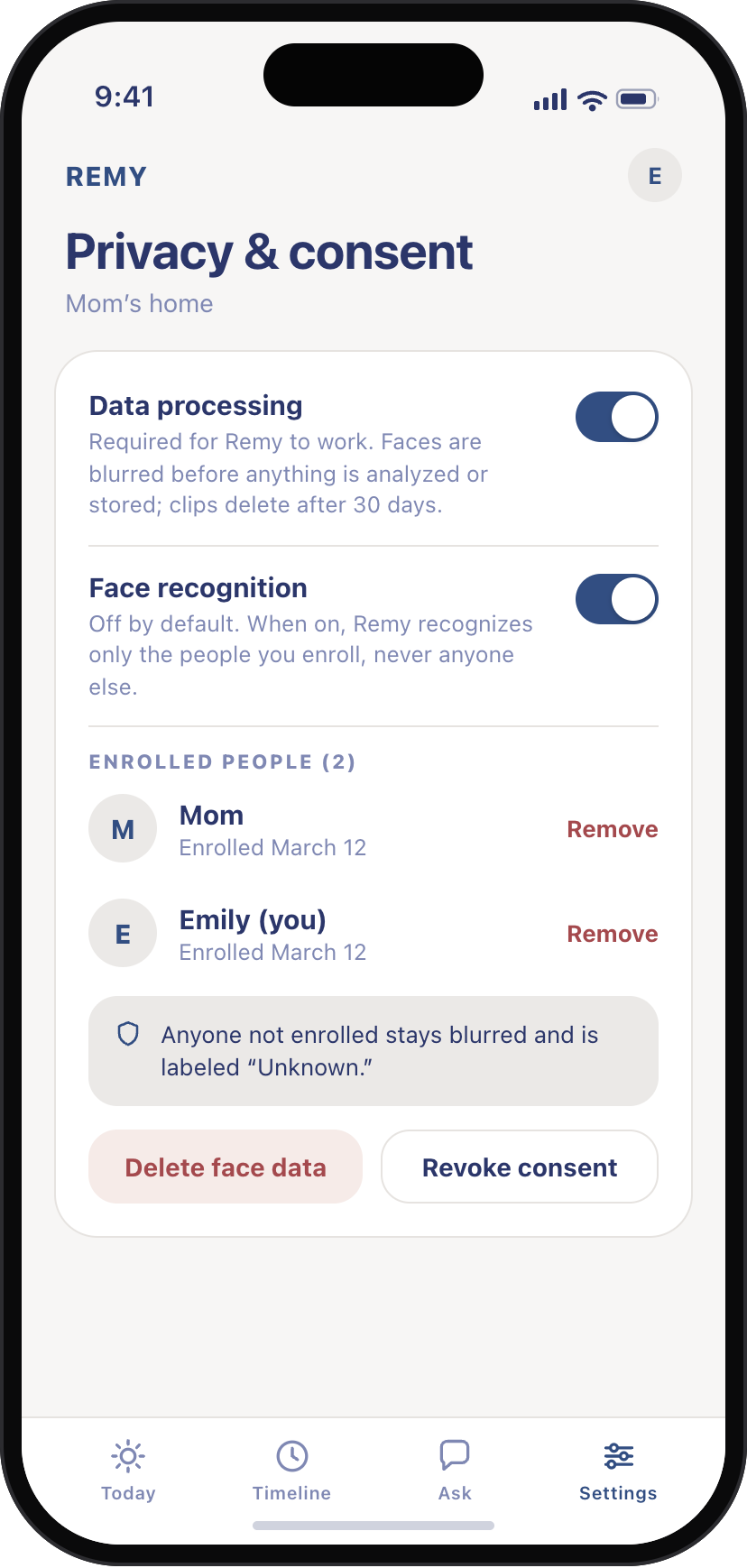
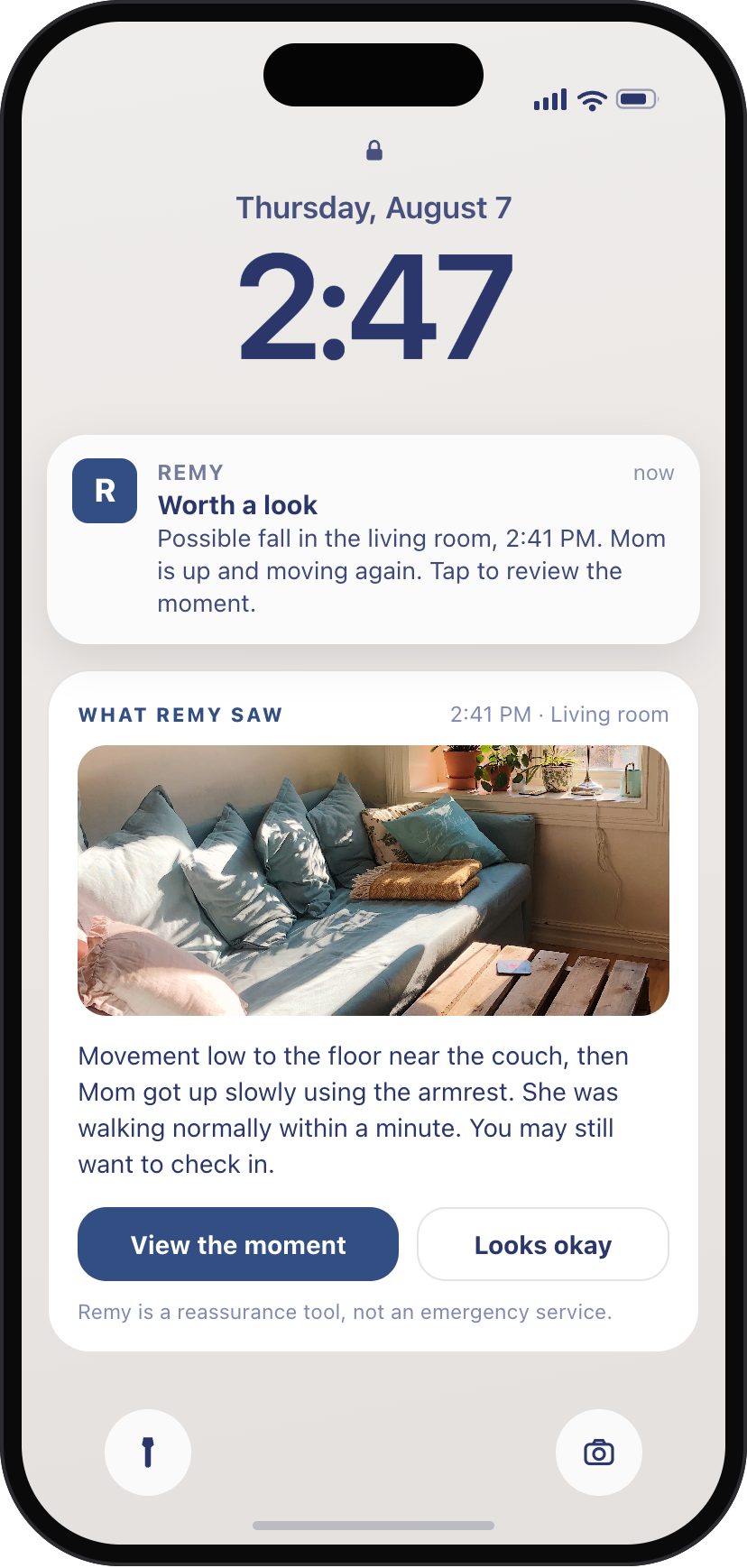
Remy app Ask screen: Did Mom eat lunch? Yes, a sandwich around 12:30, with the blurred kitchen clip attached Remy alert arriving on a locked phone: possible fall in the living room, with what Remy saw Remy app Ask screen answering whether Dad was up in the night, with the overnight kitchen clip Remy app Today screen: Mom's day summarised in a few warm sentences, nothing looked concerning Remy app Timeline screen listing the day's moments as short, privacy-blurred clips Remy app Privacy screen: blur always on, facial recognition off by default, short retention window

What Remy can understand from a camera.

You ask about the day, and the answer comes back with the five-second clip it came from. The rest of the time Remy doesn't interrupt you at all.
Faces are blurred before anything is analyzed or stored. How privacy works →

Three steps, then Remy works in the background.

1

Add Remy to Ring

Connect Remy to Mom’s compatible Ring camera.

2

Choose what matters

Choose the camera and the kinds of activity you want Remy to pay attention to.

3

Let Remy keep watch

Remy keeps track of what happens and brings you the moments worth knowing about.

Works with the Ring cameras already in the home.

Remy discovers the cameras on your Ring account and maps each one to a room.

An older couple sitting close together on the sofa in their living room
Timeline · 8:04 AM Morning routine, up and about, made breakfast
Timeline · 7:48 PM Settled for the evening in the living room

One room does most of the work

One camera in a shared space, kitchen or living room, is all Remy needs.

  • Motion clips become blurred, name-tagged timeline moments
  • It covers the everyday rhythms the summary is built from
  • Placement is up to you, and private rooms can stay camera-free

Add Remy to Ring
An older couple heading out for a walk together along a tree-lined path
Timeline · 10:15 AM Out for a morning walk, back by 11:00
Timeline · 3:10 PM Visitor arrived, stayed about an hour

Comings, goings, and visitors

If the account has a doorbell, Remy folds arrivals into the story of the day.

  • “A visitor arrived mid-afternoon” instead of a stack of motion alerts
  • Unusual absences surface as “worth a look,” not alarms
  • Optional. The check-in works with a single indoor camera too
Add Remy to Ring
FAQs
How does Remy connect to my Ring account? +
From the Ring App Store, add Remy and follow Ring's account-linking flow. You create a Remy account, the link completes automatically, and Remy discovers the cameras on the account so you can map each one to a room.
Does anything happen before I give consent? +
No. Nothing is analyzed until you accept the data-processing consent. Facial recognition is a second, separate opt-in, and it stays off unless you enable it.
What does Remy actually watch? +
When your Ring camera detects motion, Remy pulls that clip, blurs the faces of anyone not enrolled, runs its wellbeing analysis on the blurred clip, and files the result into the day's timeline. There is no continuous live feed inside Remy.
Which alerts can Remy flag? +
The list is short on purpose. A possible fall, signs of distress, unusual movement in the night, a stove left unattended, a tripping hazard like a flipped rug corner, a visitor arriving, or a break in the daily routine. Remy is a reassurance tool, not a medical or emergency device, and it doesn't contact emergency services.
Can I use Remy without facial recognition? +
Yes, and that's the default. Without enrollment, summaries say “a person” and every face stays blurred. Enrolling household members by name is optional and revocable, and revoking deletes the enrolled templates.
Where does processing happen? +
On Remy's US-based infrastructure, inside an isolated environment for your home. It gets its own database schema, its own encryption key for biometric templates, its own storage prefix. Deleting your home is a clean, complete wipe.

See what matters without watching everything.

Add Remy from the Ring App Store and map the cameras on the account to rooms. That's the setup.