
Now available in the Ring App Store
Home How Remy Works
Features
Privacy Blog FAQ Add Remy to Ring
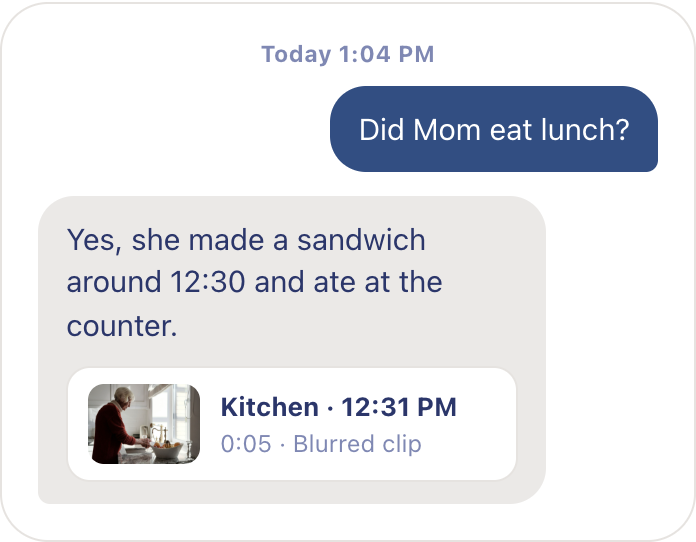
A woman with a coffee mug asking Remy about her mother’s day on her phone A floating Ask Remy conversation: Did Mom eat lunch? Yes, with the blurred kitchen clip that proves it

Ask what happened. Get the answer from the footage.

Ask Remy in your own words and get an answer grounded in what the camera actually saw.

Add Remy to Ring

Find out what happened without searching footage.
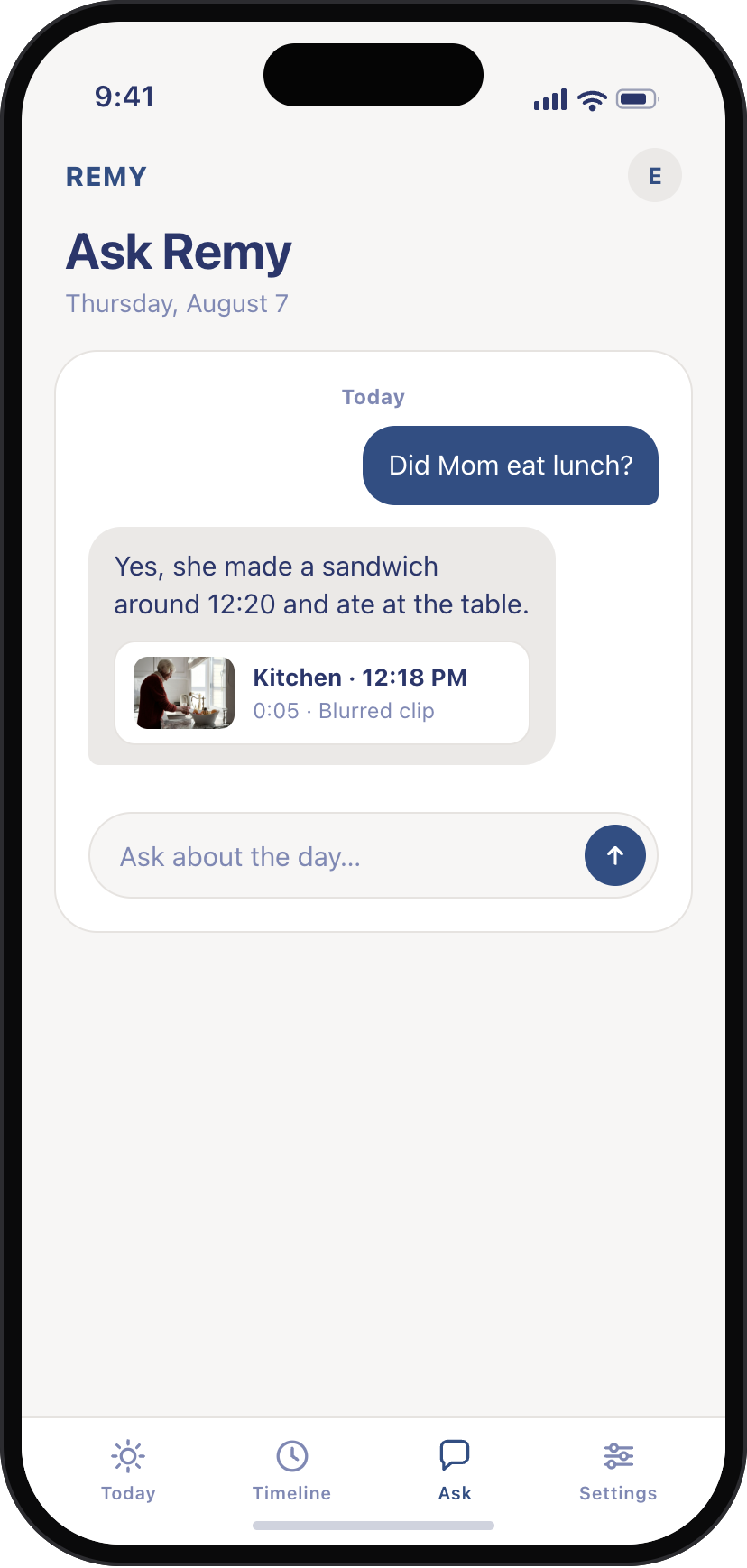
Remy app Ask screen: “Did Mom eat lunch?” answered with a sandwich made around 12:20, plus the blurred kitchen clip from 12:18 PM

Did Mom eat lunch?

Remy finds the moments relevant to the question and gives you the answer.
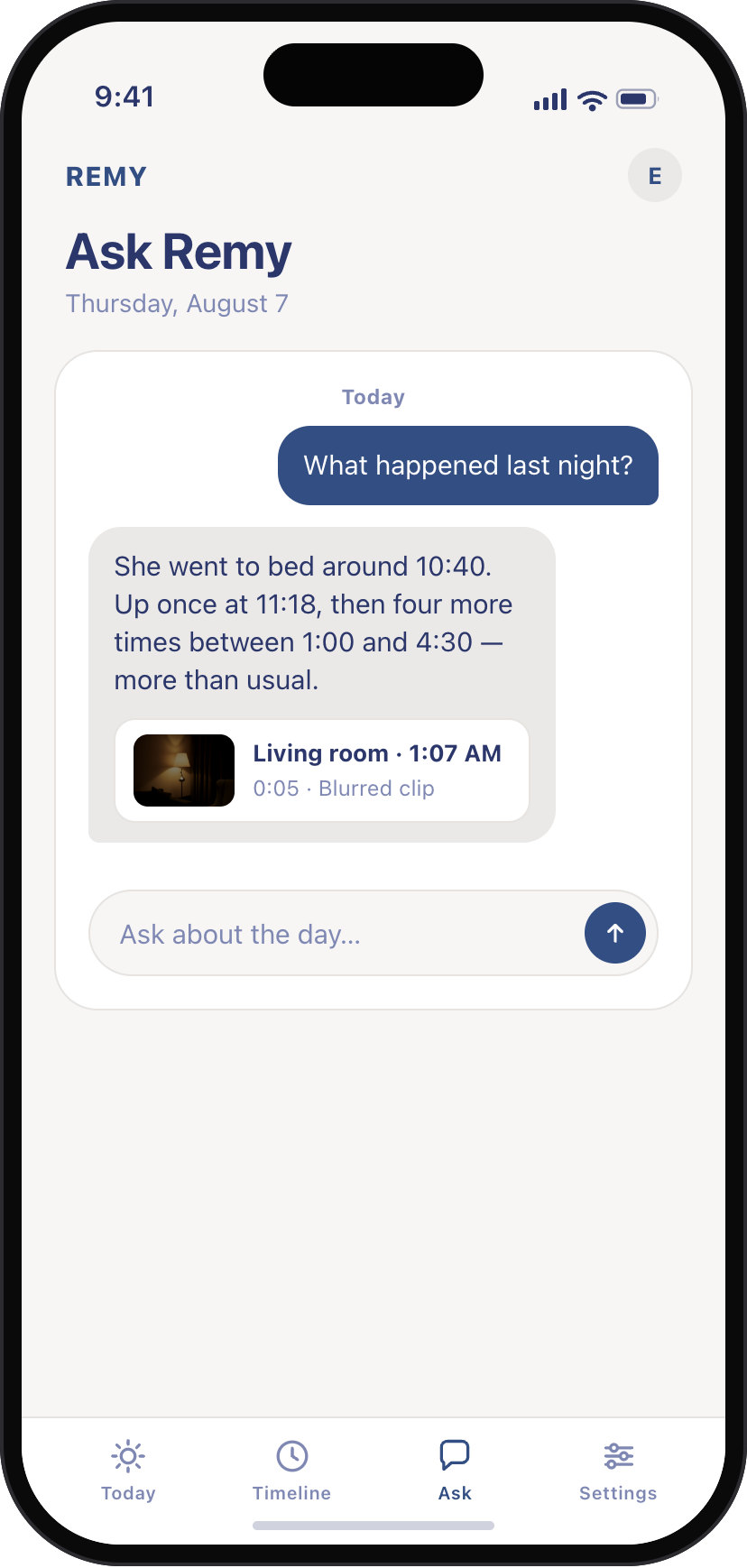
Remy app Ask screen: “What happened last night?” answered with bed around 10:40 and five wake-ups, plus a blurred living-room clip from 1:07 AM

What happened last night?

Ask for the story of a few hours instead of searching through every clip.
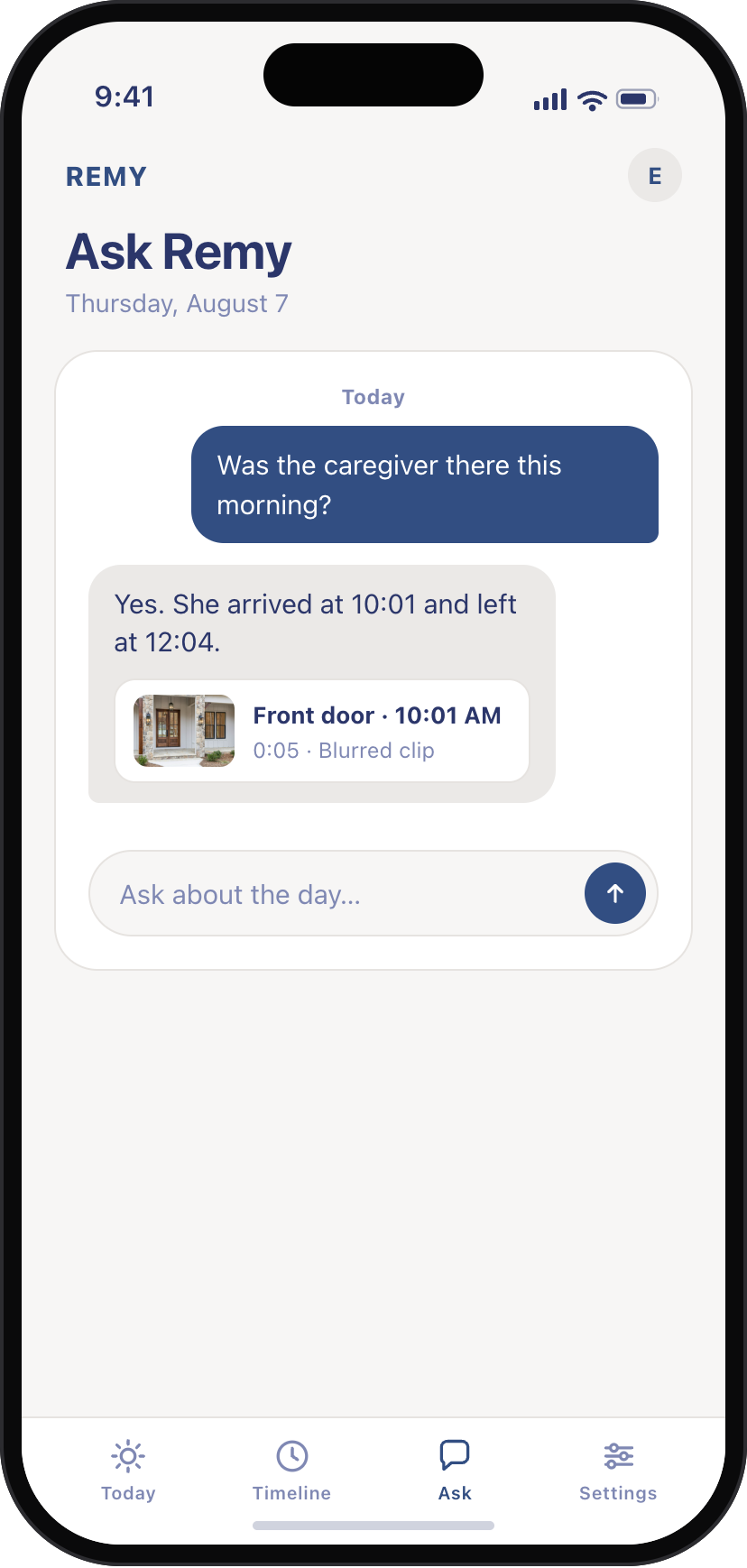
Remy app Ask screen: “Was the caregiver there this morning?” answered with arrived 10:01, left 12:04, plus a blurred front-door clip from 10:01 AM

Was the caregiver there this morning?

Get a direct answer without reconstructing the visit from motion alerts.

See it with your own eyes.

Open the short camera moments behind an answer when you want to check what Remy saw.
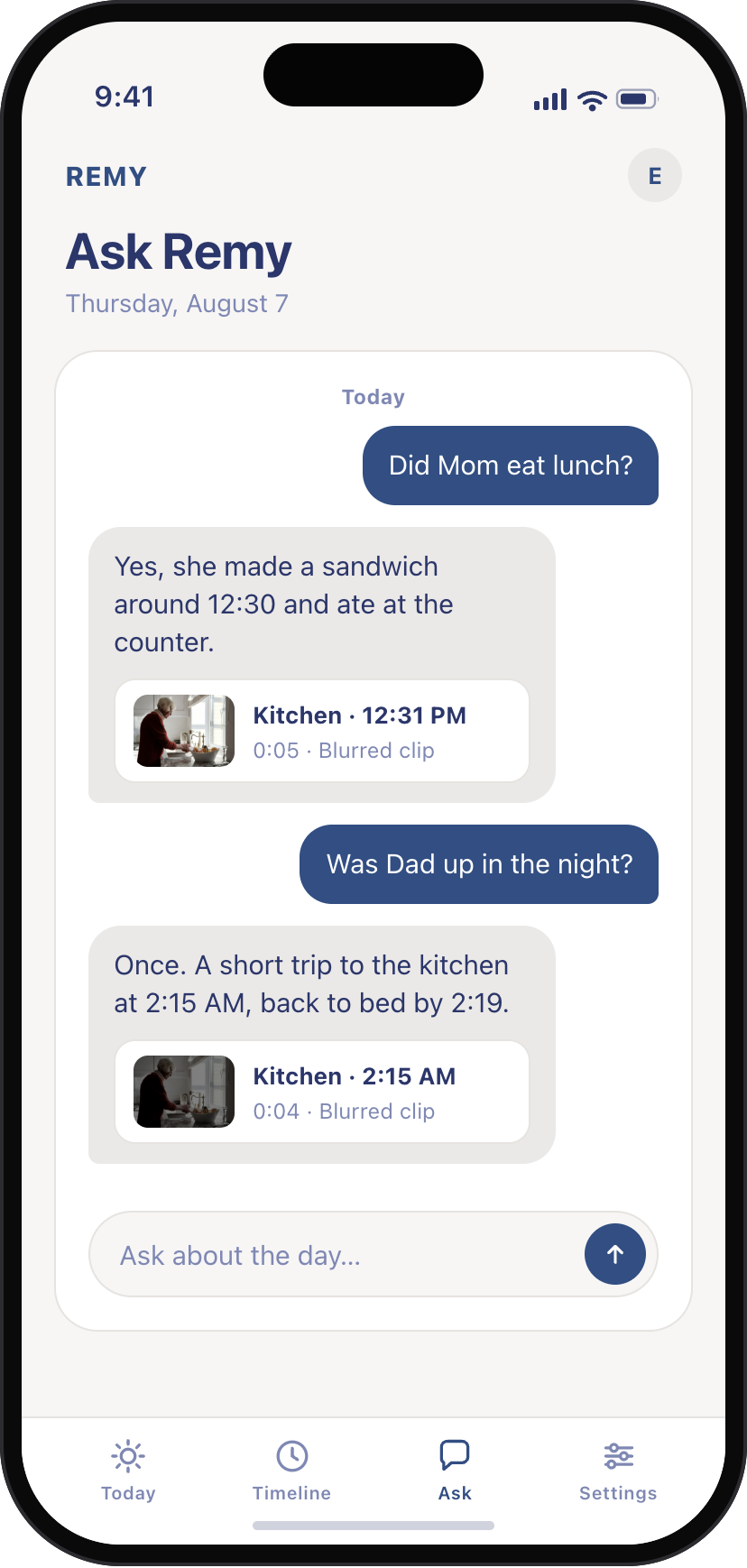
Remy app Ask screen: two questions answered, each with the blurred clip attached

Next time you wonder, ask Remy.