
Keep the home feeling like her home.
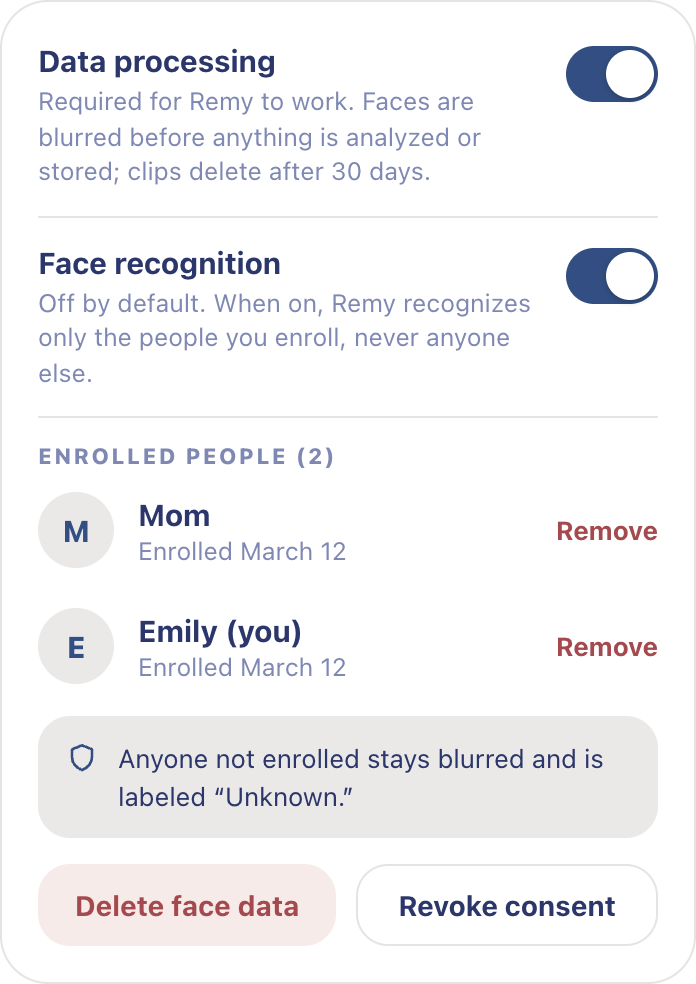
Remy gives you control over which cameras it uses, who can access them, and how faces are handled.
From camera moment to private check-in.

What the camera sawMotion in the living room · 7:48 PM
 TV auto-blurred
Emily, face blurred and name-tagged
TV auto-blurred
Emily, face blurred and name-tagged
Faces blurred firstThe raw clip is discarded. The AI only sees this
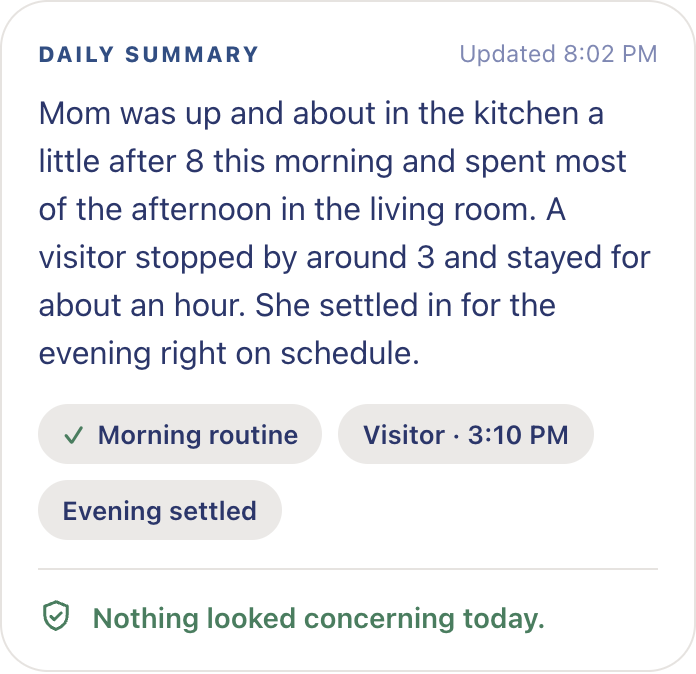
What you readThe 15-second summary on your phone
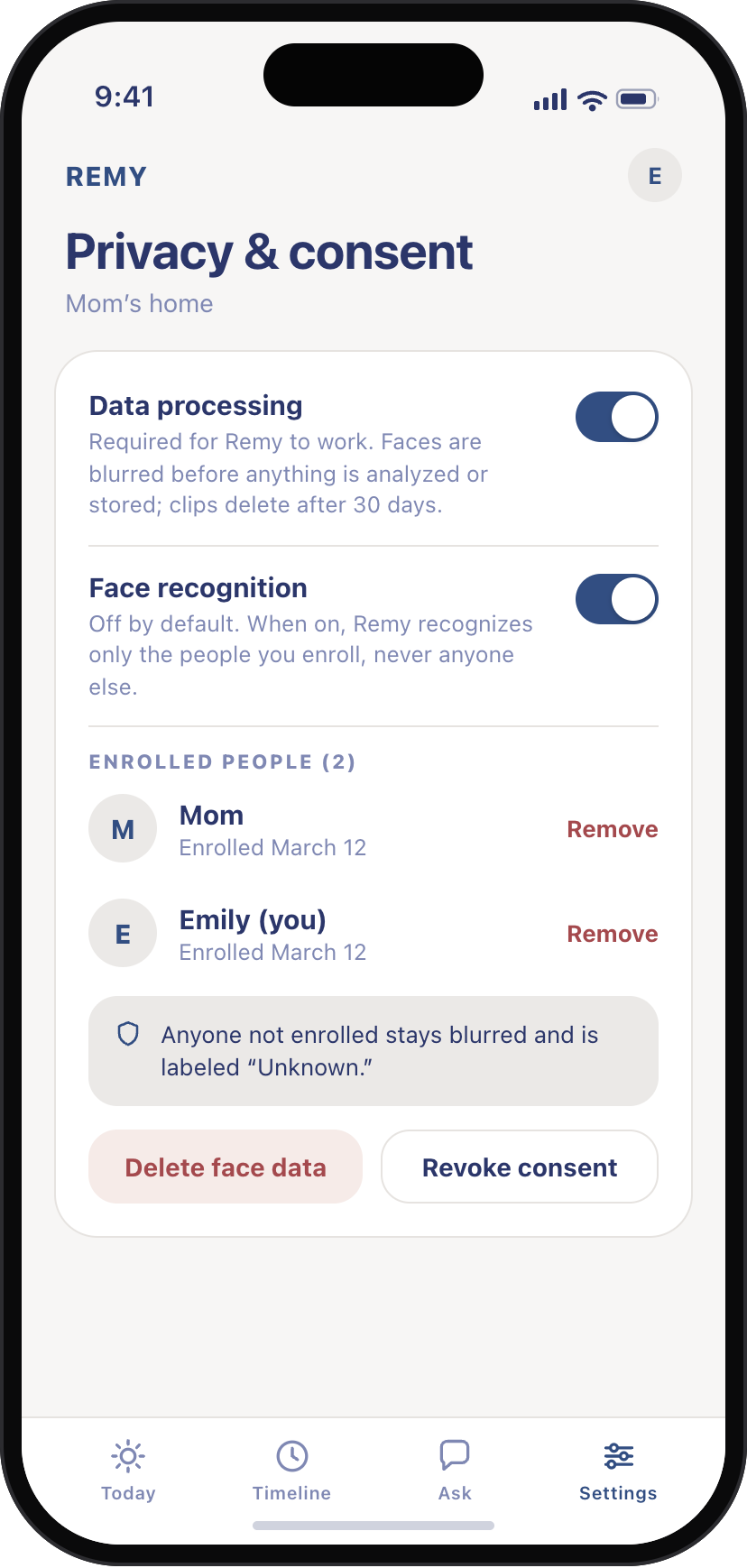
The controls are in your hands.
Choose which cameras Remy can use, who has access, and how faces are handled.
Face blurring
Blur is on from the first clip.
Recognition
Recognition stays off until you turn it on.
Clip retention
Clips delete themselves according to Remy’s existing retention behavior.