Our recommendation
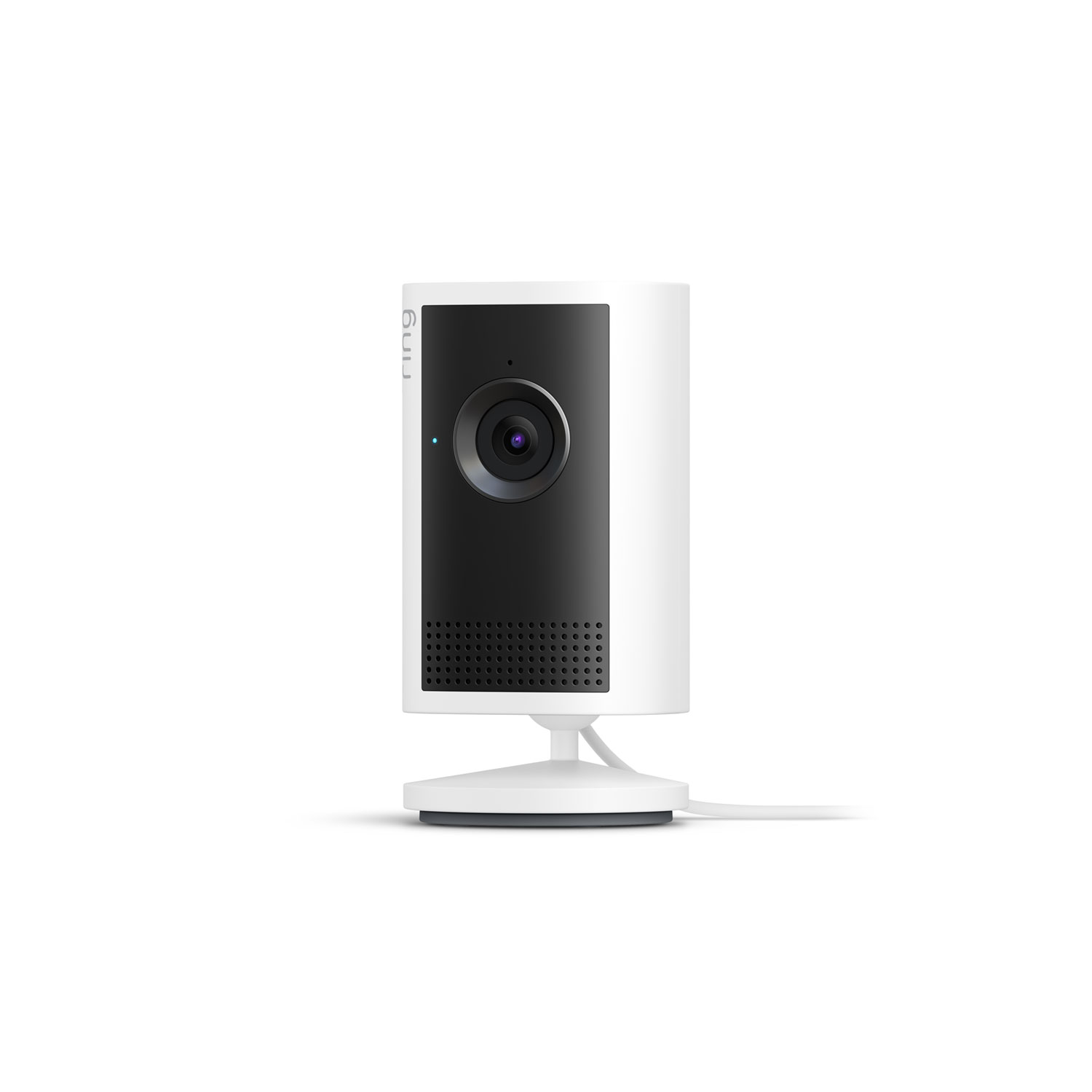
Ring Indoor Cam 2K
$59.99
Ring’s highest-resolution indoor camera, with 2560 × 1440 video, night vision, and plug-in power—so there are no batteries to recharge.
Get my Ring →Remy is an app for every Ring camera
Remy works with every Ring camera. If you’re buying one today, we recommend Ring’s highest-resolution indoor model: the plug-in Indoor Cam 2K.
Ring’s highest-resolution indoor camera, with 2560 × 1440 video, night vision, and plug-in power—so there are no batteries to recharge.
Get my Ring →Keep it. Remy works with all Ring cameras, so you do not need to buy a new one.
One or two cameras can cover a main living space. For full coverage, plan on roughly one camera per room.
You need the camera, a nearby outlet, Wi-Fi in the home, and a Ring account.
Use any Ring cameras you already own. If you need a new one, get the Indoor Cam 2K and choose the number that matches the coverage you want.
Plug each camera in, add it in the Ring app, and connect it to the home’s Wi-Fi.
Open Remy in the Ring App Store, connect the camera, and choose the activity and changes you want Remy to notice.
How it works
Motion creates a clip. The Ring camera records activity in the room.
Remy adds context. Remy analyzes the clip for safety concerns, routines, and meaningful changes. Faces are blurred before analysis.
You get the useful part. Remy builds a readable timeline and brings you in when something deserves attention.
Want more detail on Ring accounts and Wi-Fi setup? Read the full Ring setup guide.
Prefer not to use a Ring camera?
We’re exploring other ways to use Remy, including a device of our own. Tell us what is in the home today and we’ll email you when there is an option to try.
We’ll only use your email to tell you about Remy. No newsletters.